![Logo-1.png]](https://support.seamlesshr.com/hs-fs/hubfs/Logo-1.png?height=25&name=Logo-1.png)
What's New:
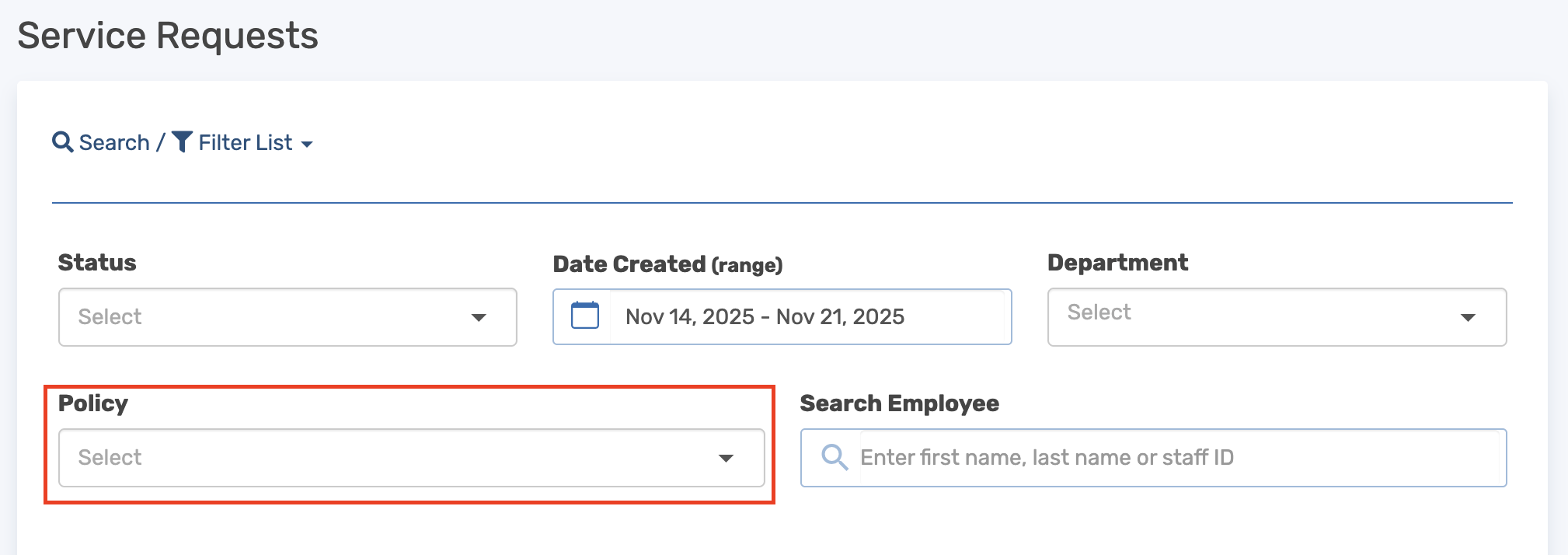
Admins can now filter Expense, Service, and Overtime Requisition requests by policy. A new "Policy" dropdown has been added to each requisition type, displaying all active policies relevant to that module.
When a policy is selected, the request list automatically updates to show only requisitions linked to that specific policy. This filter works for both current and historical requests, making it easy to locate records from previous months or years.
Why It Matters:
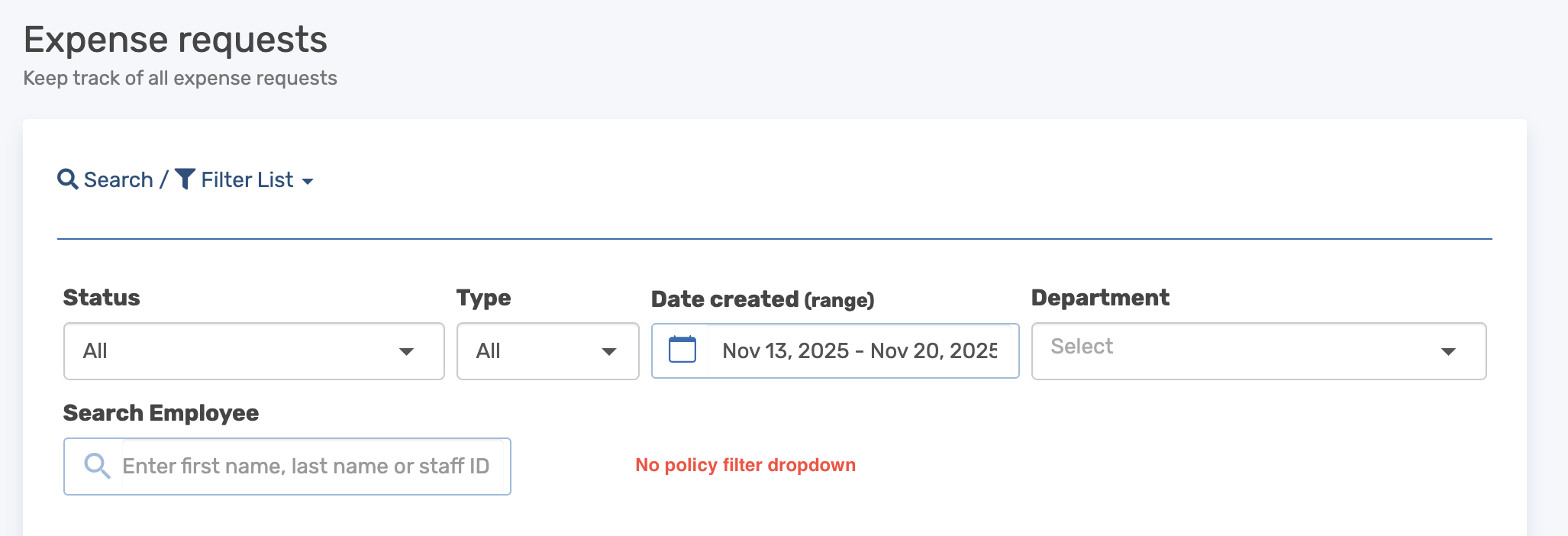
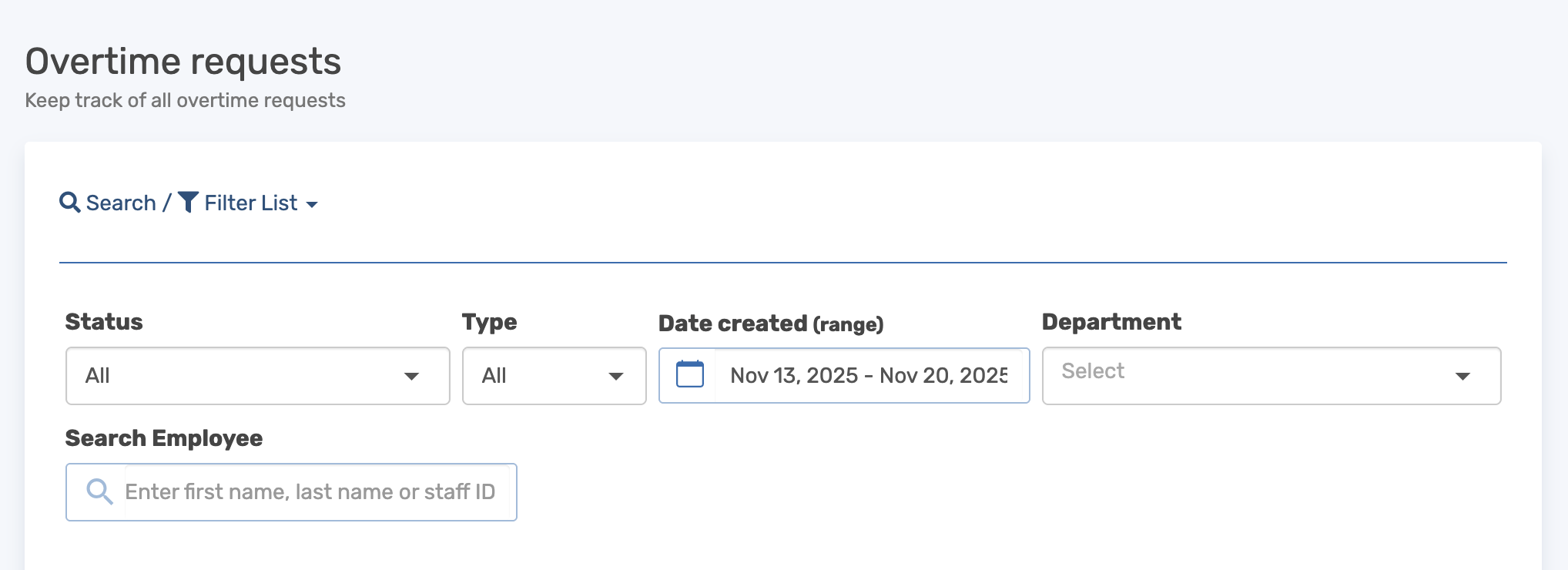
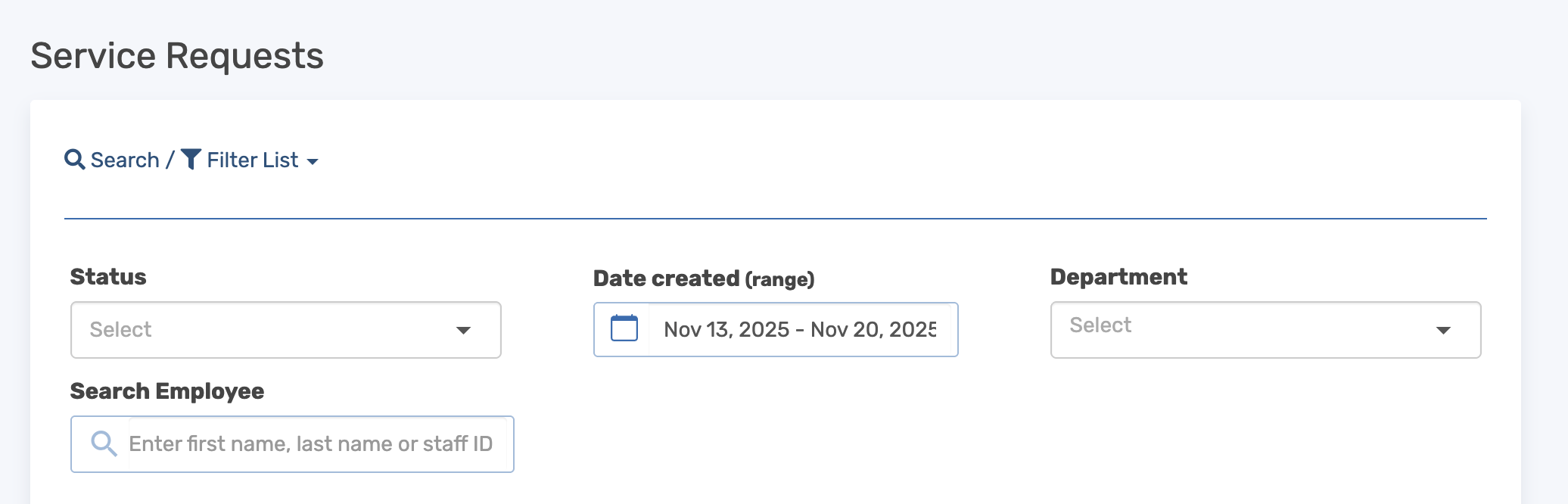
Before now, Admins could filter requisitions by Status, Type, Date Created, Department, and Employee but not by Policy. In organizations with high requisition volumes, like those receiving over 100 requests daily, Admins had to manually scroll through hundreds or even thousands of entries to find requests tied to a specific policy. For instance, if an Admin needed to review all requests under a "Travel Expense Policy" or "Vendor Engagement Policy" for audit purposes, they had to sift through the entire list with no way to narrow it down.
This slowed down workflows, increased the risk of missing critical approvals, and made it difficult to track policy-specific requests over time. With this new filter, Admins can now instantly view only the requests they need, saving time and reducing clutter in high-volume environments.
Before the Update
Expense requests (Admin view)
Overtime requests (Admin view)
Service requests (Admin view)
After the Update
Expense requests (Admin View)
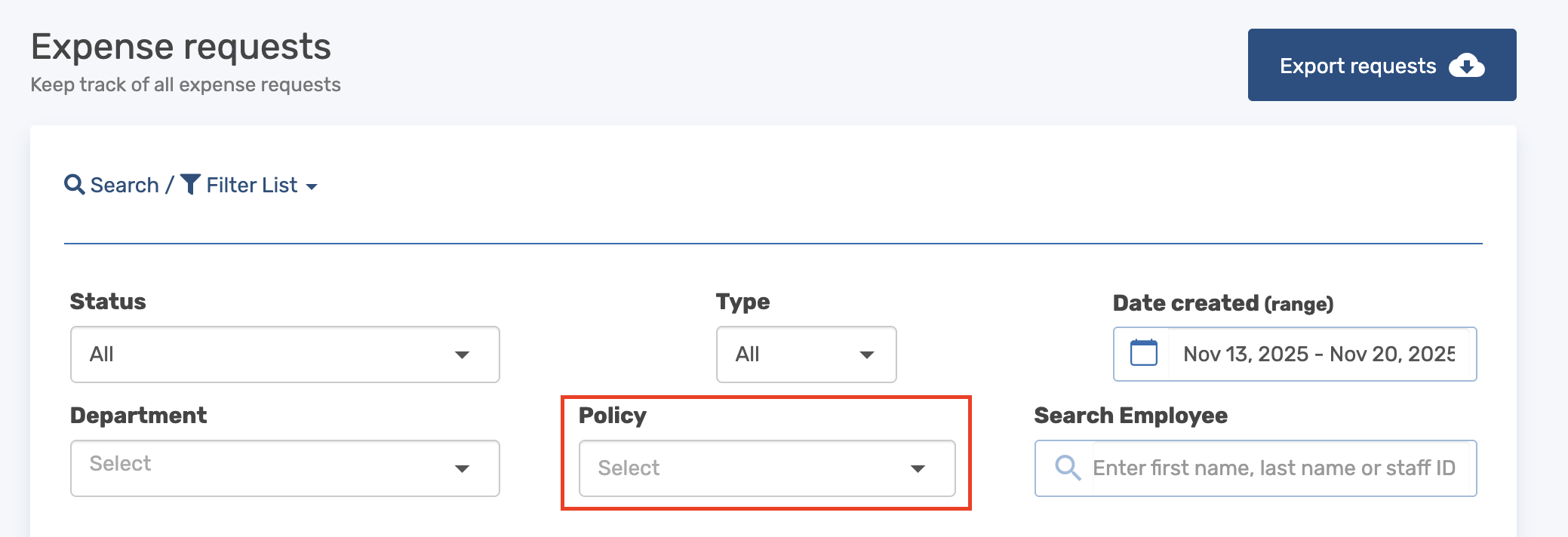
Overtime requests (Admin View)
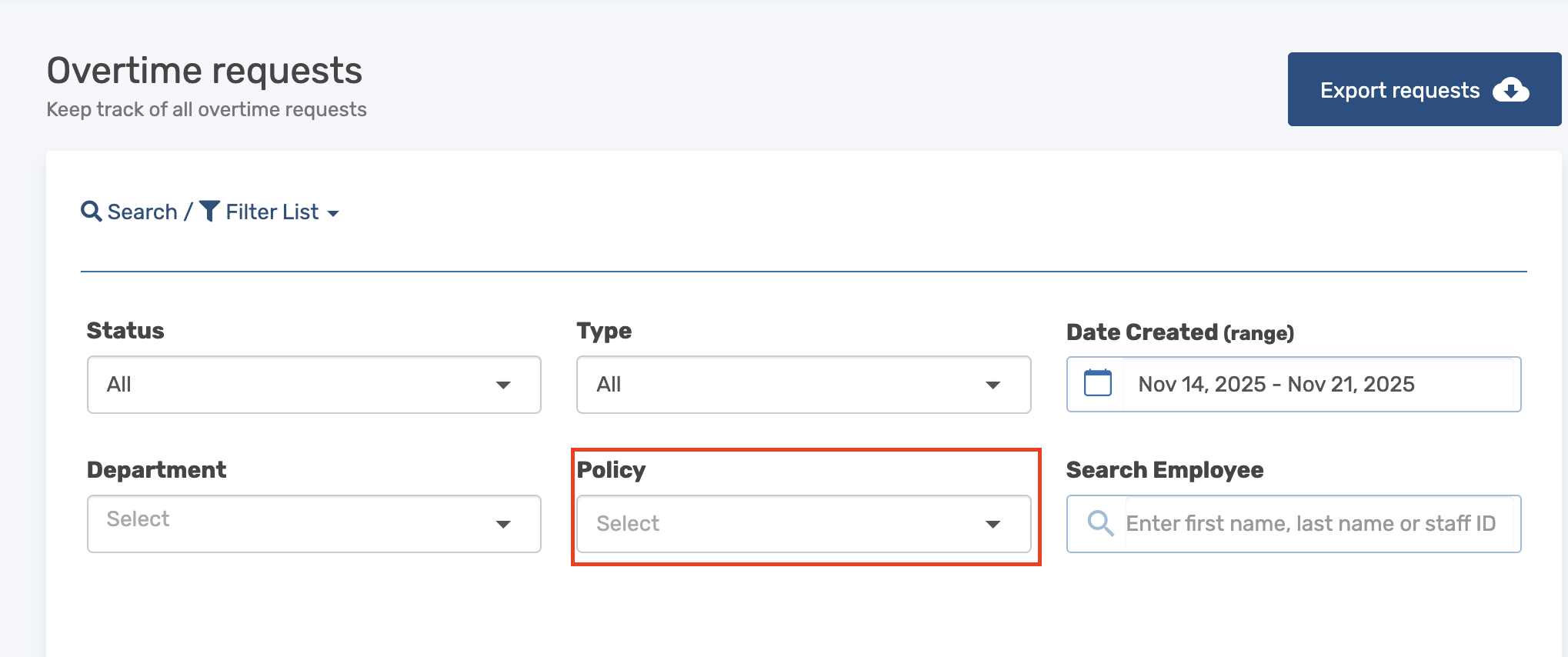
Service requests (Admin View)