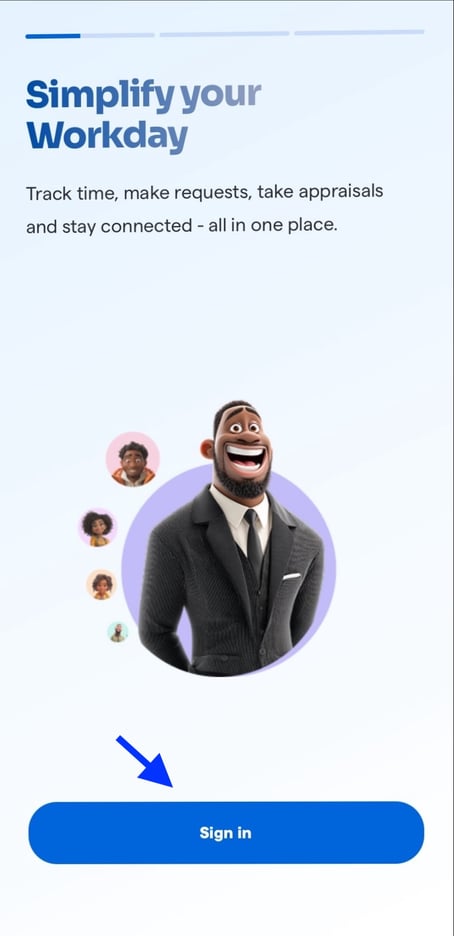
Log in to the Breeze mobile app.
- Click on the work icon and scroll down to "My colleagues"
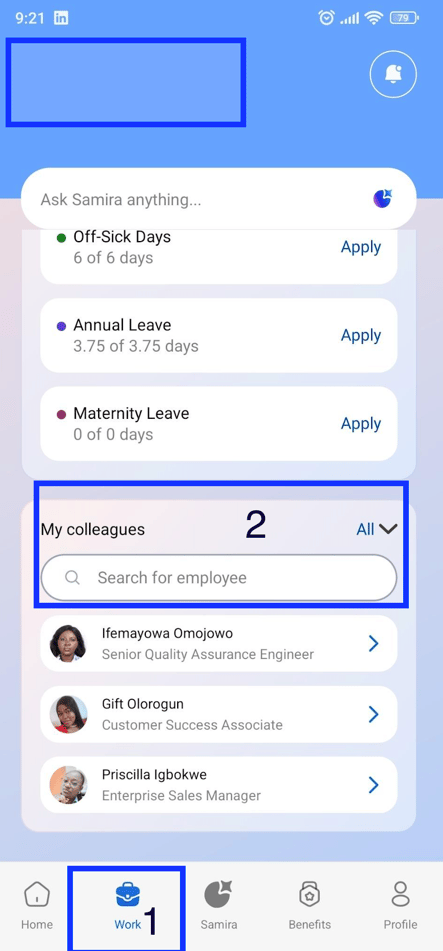
2. Click on "All" to show all colleagues or search for a particular colleague.
![Logo-1.png]](https://support.seamlesshr.com/hs-fs/hubfs/Logo-1.png?height=25&name=Logo-1.png)
Log in to the Breeze mobile app.
2. Click on "All" to show all colleagues or search for a particular colleague.