![Logo-1.png]](https://support.seamlesshr.com/hs-fs/hubfs/Logo-1.png?height=25&name=Logo-1.png)
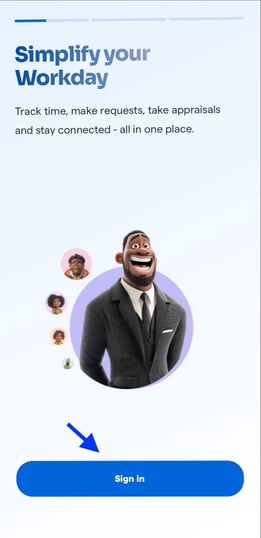
- Log in to the Breeze app with your phone number or email address
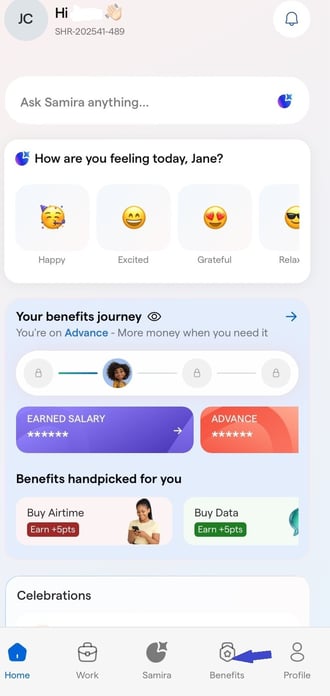
2. Click on Benefits on your dashboard.
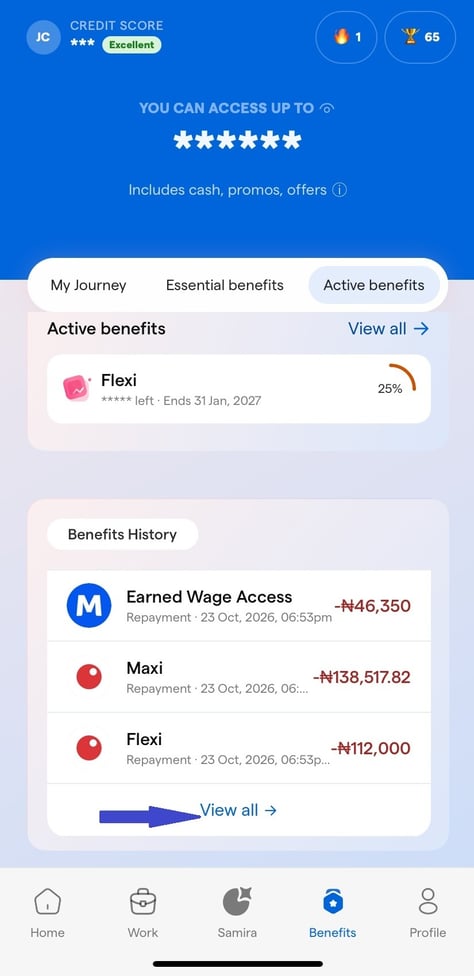
3. Scroll down to the Benefits History section and click "View All" to view your complete benefit history.
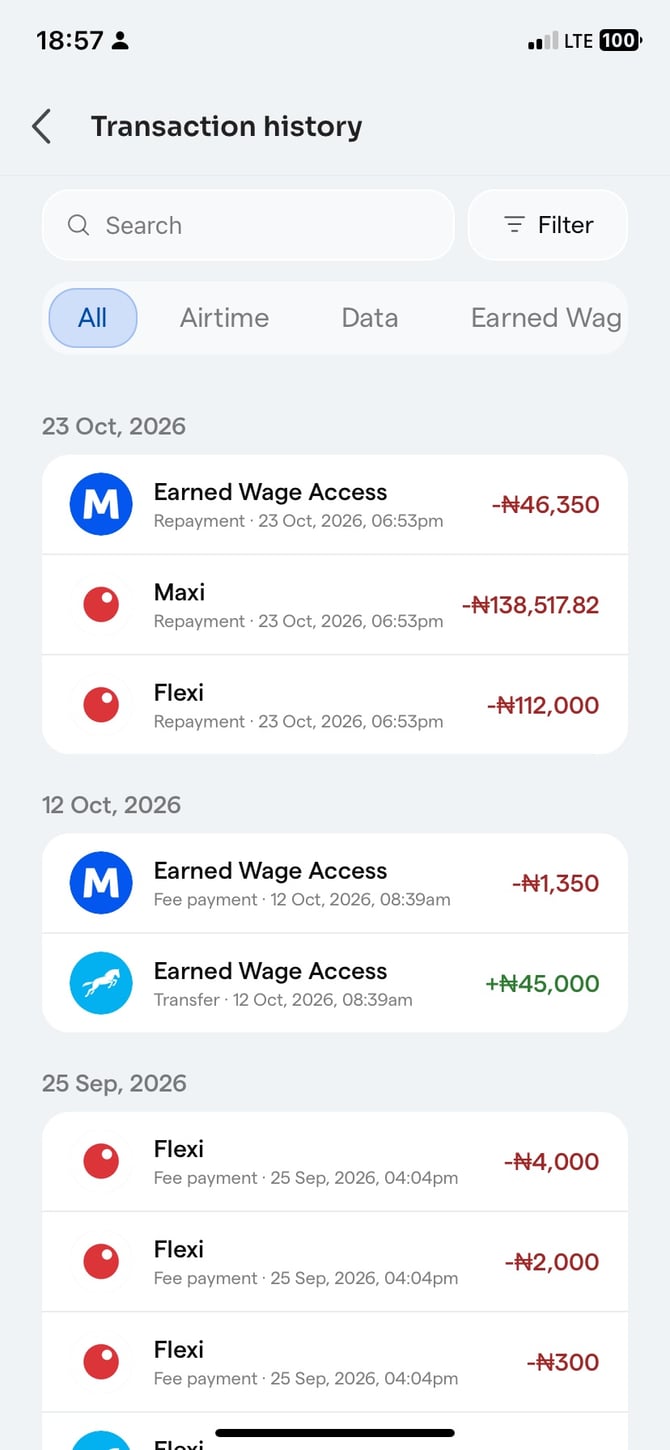
4. Click on a benefit category such as Airtime, Data, Earned Wage Access (EWA), or any other available category to filter and view the transaction history for that specific benefit.