![Logo-1.png]](https://support.seamlesshr.com/hs-fs/hubfs/Logo-1.png?height=25&name=Logo-1.png)
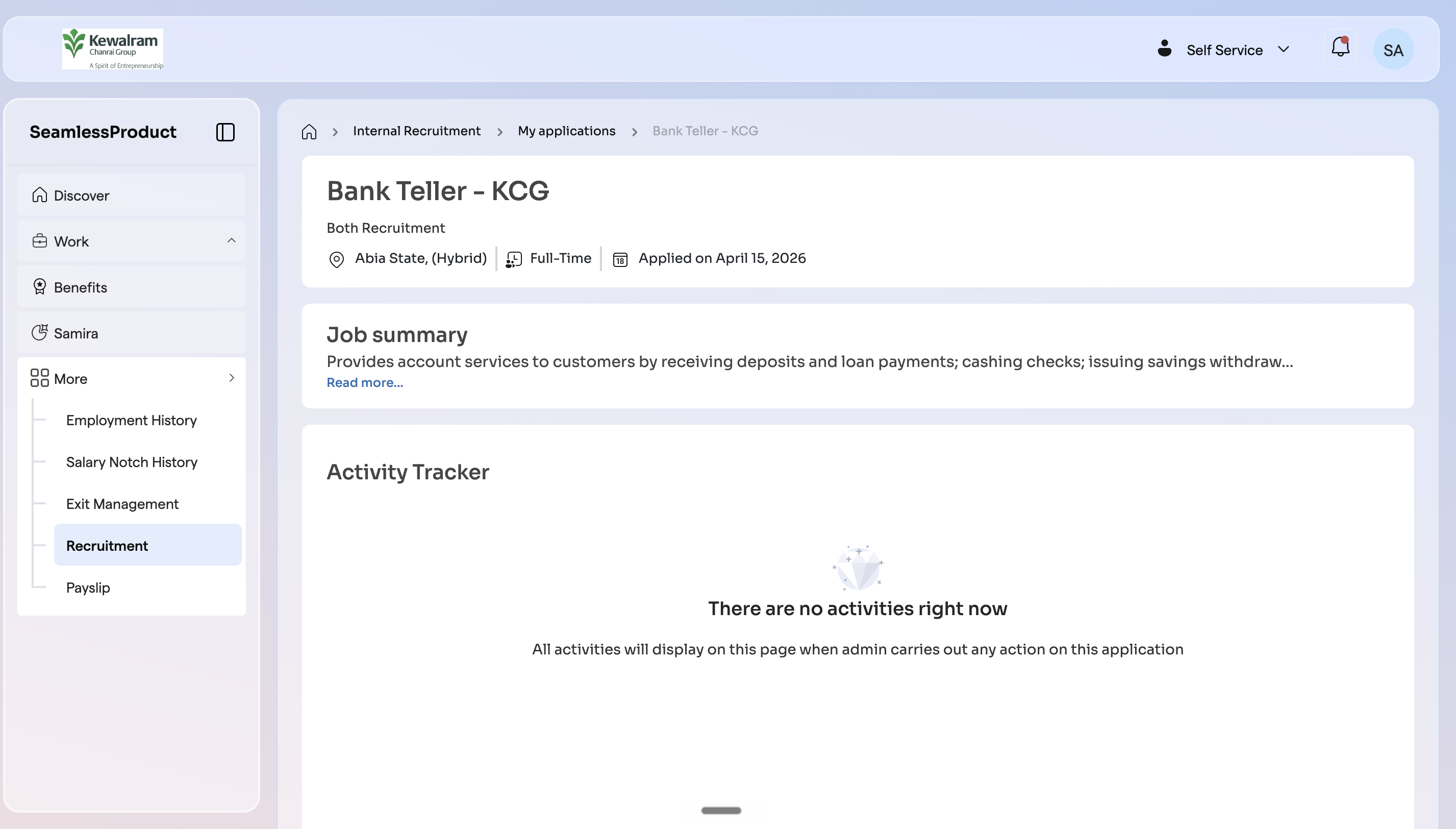
As an employee, you can monitor the progress of your applications, review submitted details, and stay updated on your current status throughout the recruitment process.
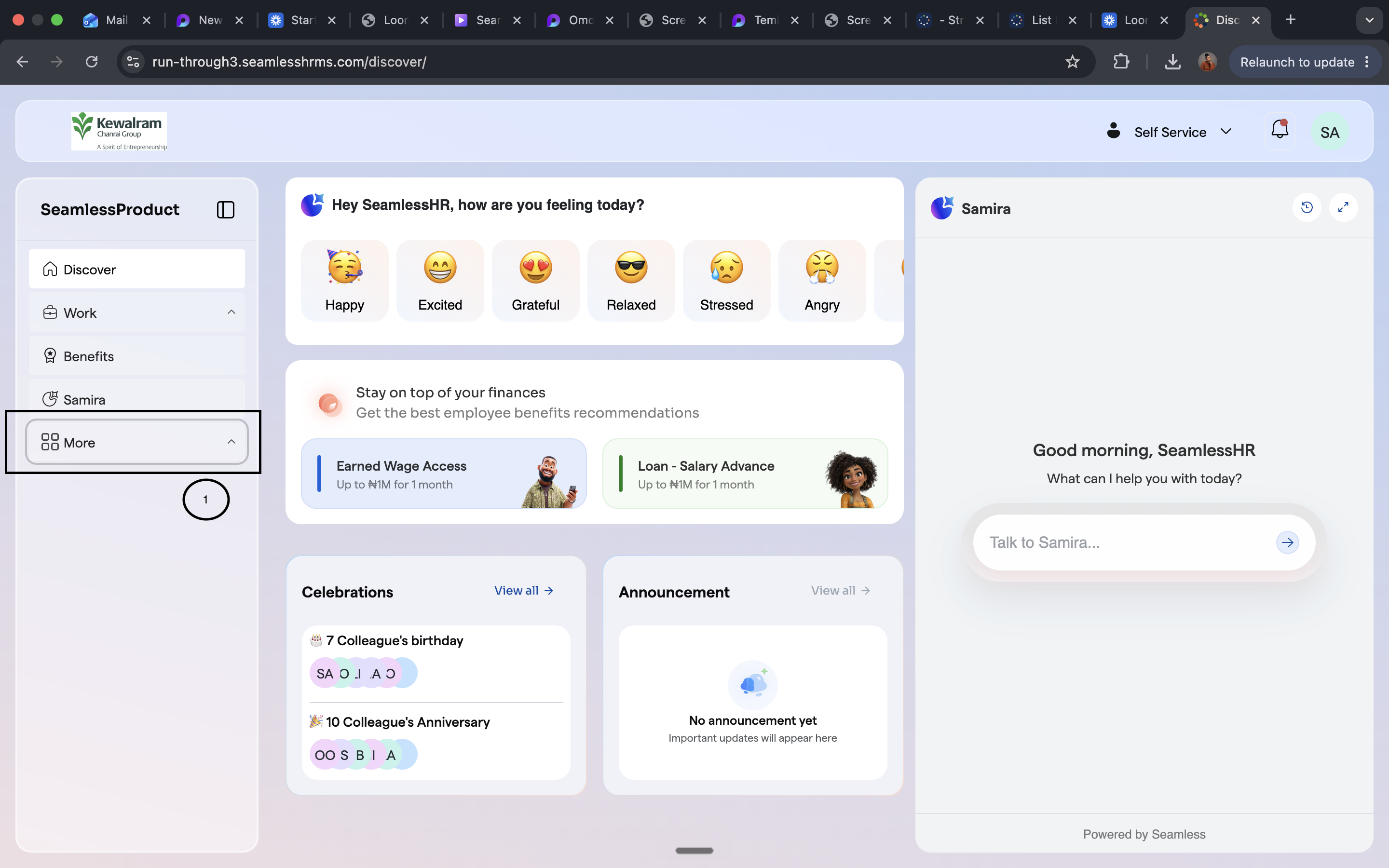
- On your ESS dashboard (self-service), click on more
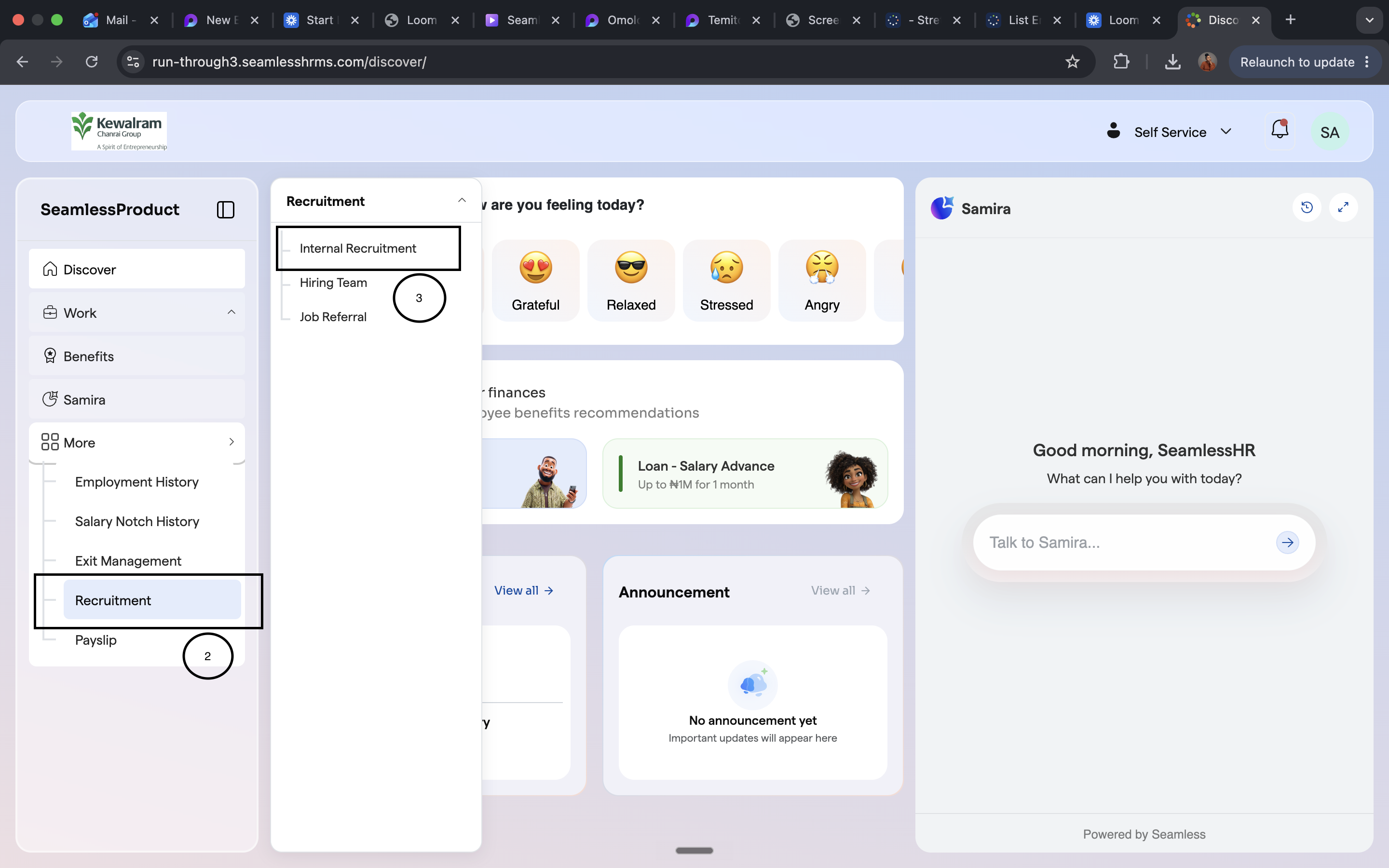
2. Navigate to Recruitment and click on it
3. A side bar will open with options, select internal recruitment
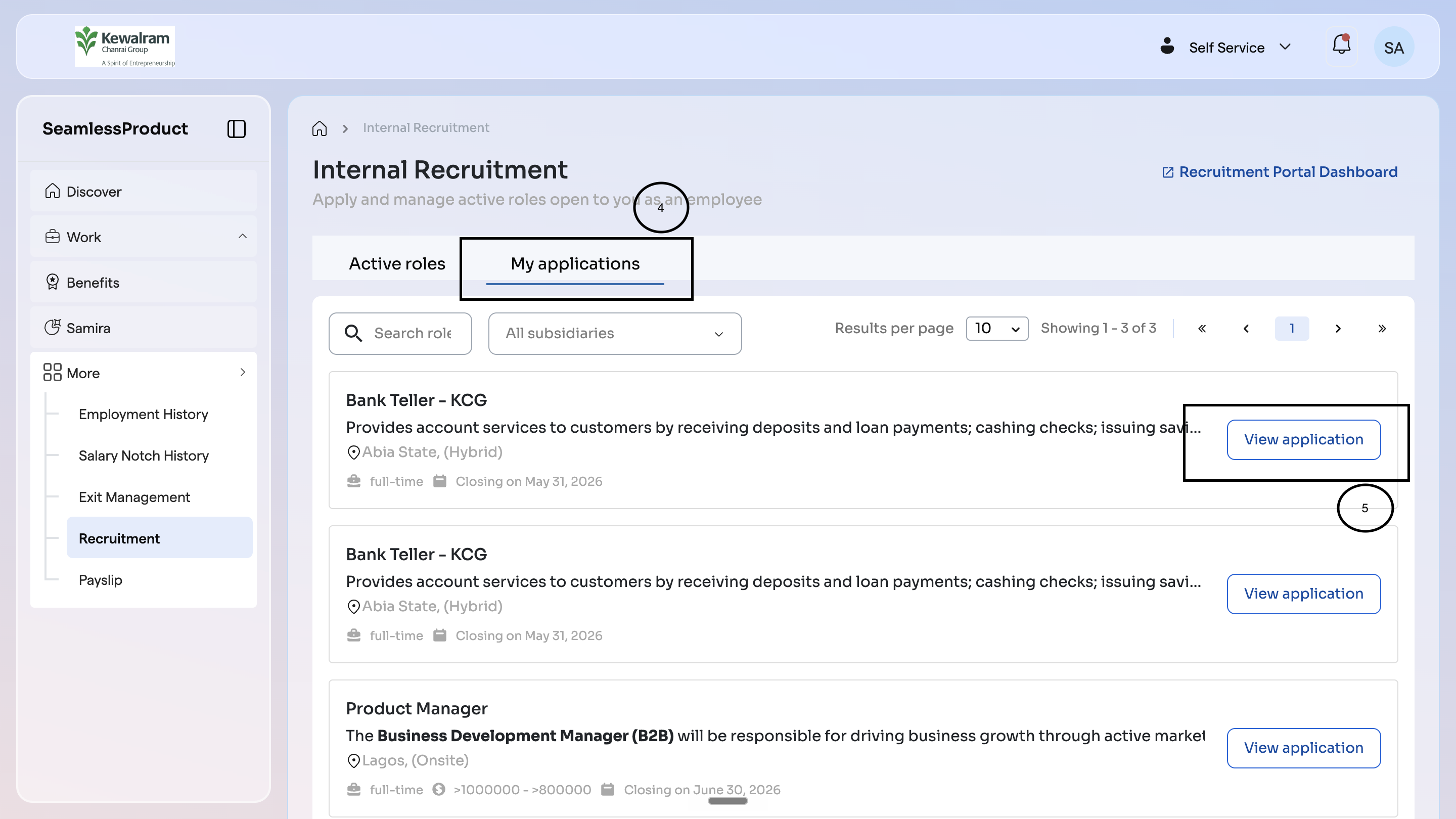
4. You'll be redirected to the internal recruitment page. On this page, you'll see My Applications tab where all your applications will be listed.
5. To check the progress of any of your applications, click on the view application button