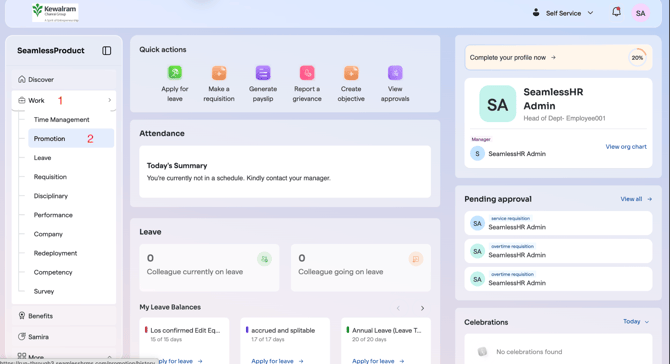
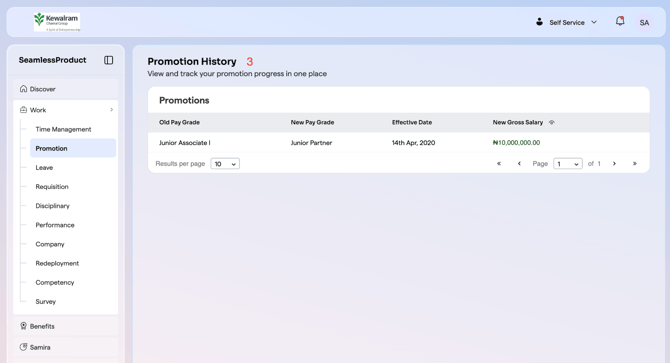
How To View Promotion History As An Employee On The New ESS Here is a step by step guide on how to view promotion history as an employee on the New ESS Click on the Work tab. Select Promotion from the menu You will be redirected to a page displaying your promotion history.
![Logo-1.png]](https://support.seamlesshr.com/hs-fs/hubfs/Logo-1.png?height=25&name=Logo-1.png)