![Logo-1.png]](https://support.seamlesshr.com/hs-fs/hubfs/Logo-1.png?height=25&name=Logo-1.png)
Follow the steps below to view job details, track hiring progress, review assigned vacancies, and stay updated on recruitment activities related to your role in the hiring team.
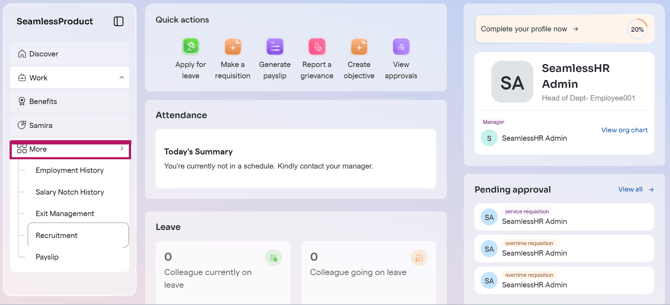
1: Log into your ESS and click on ''More''
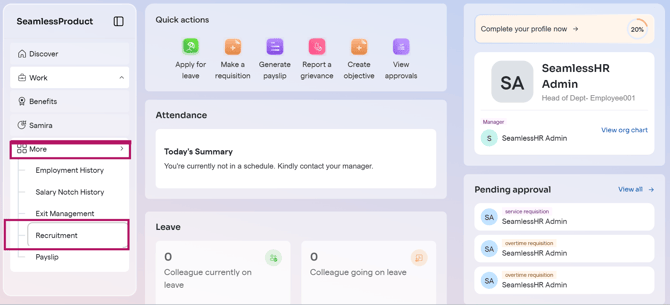
2: Click on ''Recruitment''
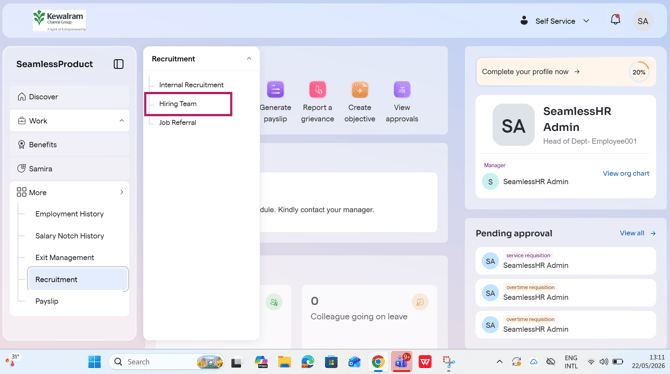
3: Click on ''Hiring Team''
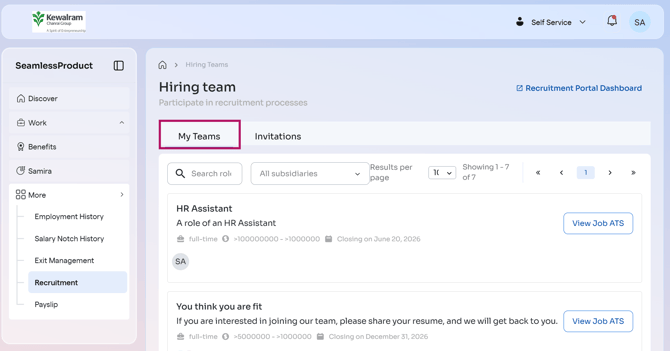
4: Click on ''My Teams'' to view the list of Jobs as a hiring team member