![Logo-1.png]](https://support.seamlesshr.com/hs-fs/hubfs/Logo-1.png?height=25&name=Logo-1.png)
How to view employee history
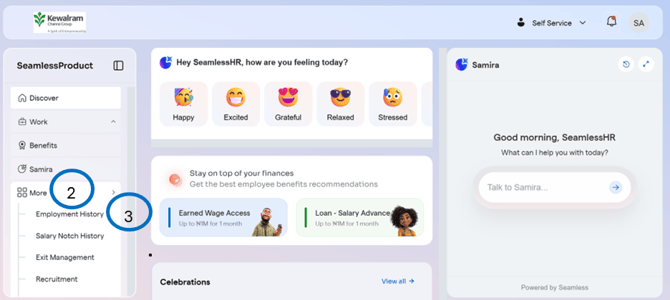
- Log into your Employee Self-Service Dashboard
- Click on “More”
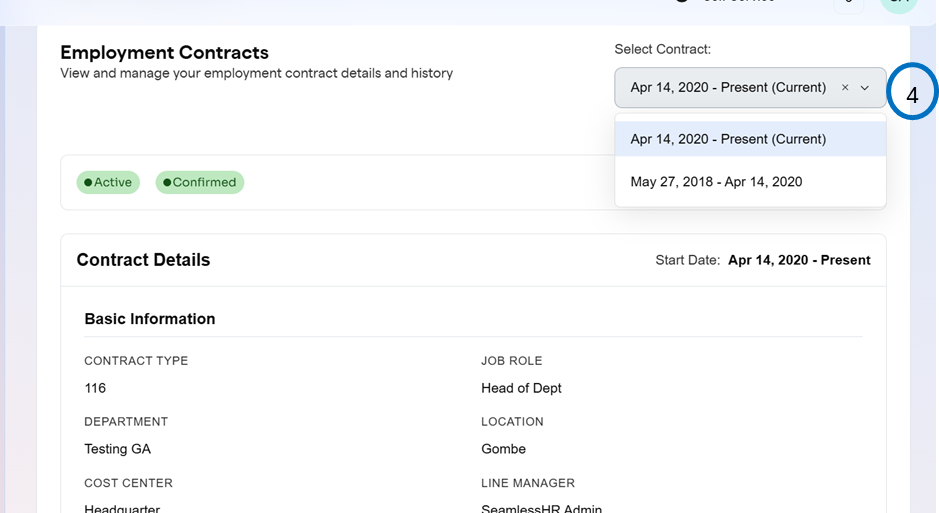
- Click on “Employment History”