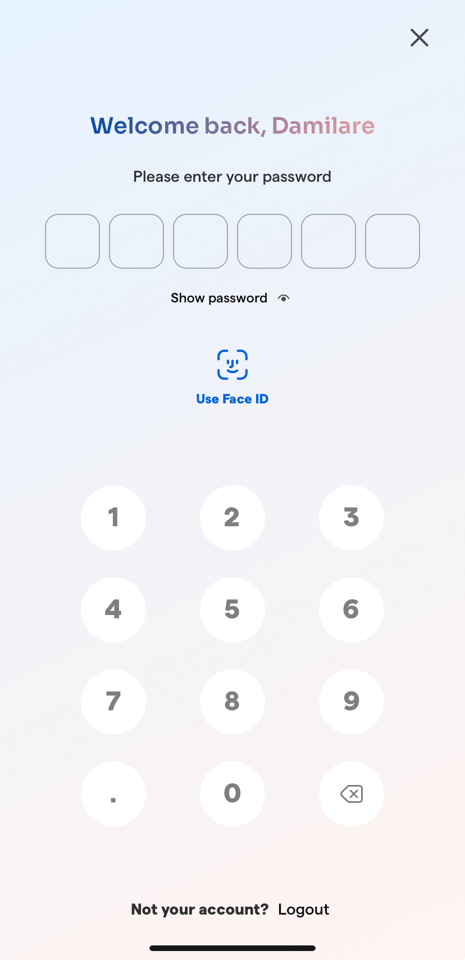
Step 1: Log in to the Breeze mobile app.
Step 2: From the home page, scroll down to the announcement section
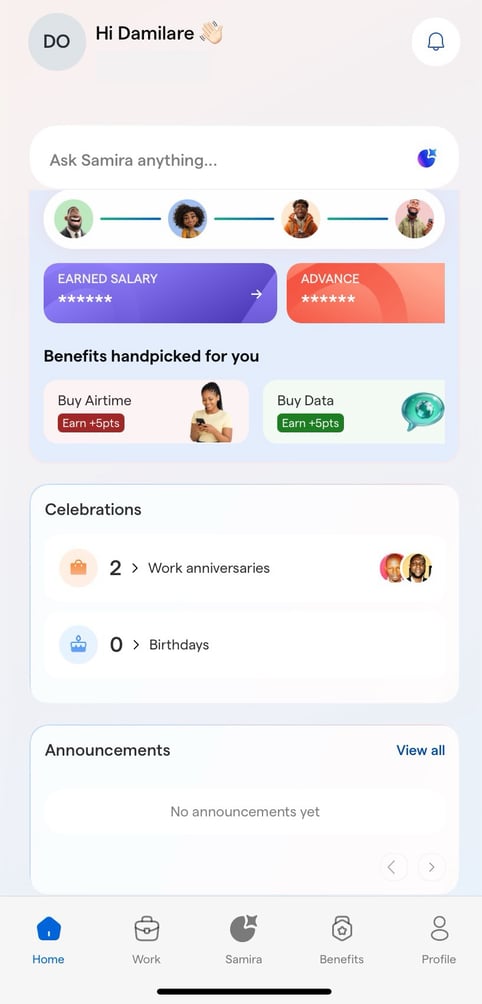
Step 3: In the Announcements section, tap View All.
![Logo-1.png]](https://support.seamlesshr.com/hs-fs/hubfs/Logo-1.png?height=25&name=Logo-1.png)
Step 1: Log in to the Breeze mobile app.
Step 2: From the home page, scroll down to the announcement section
Step 3: In the Announcements section, tap View All.