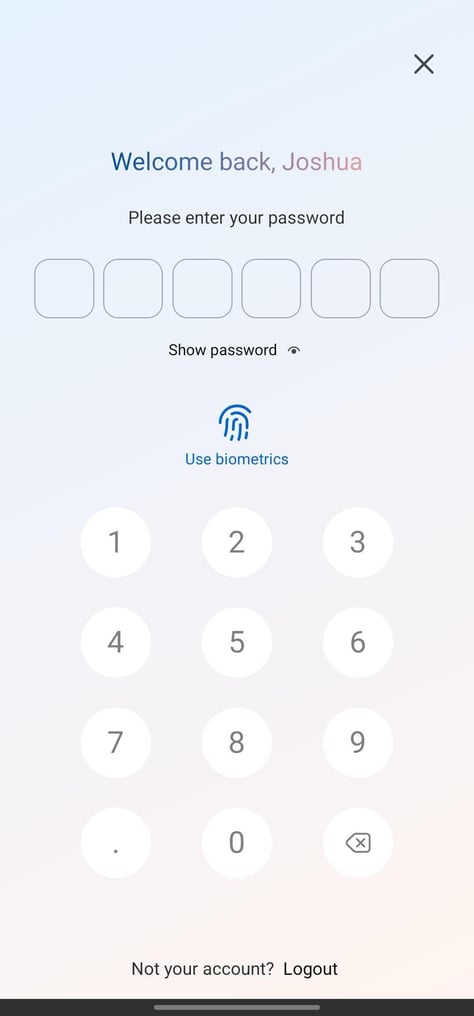
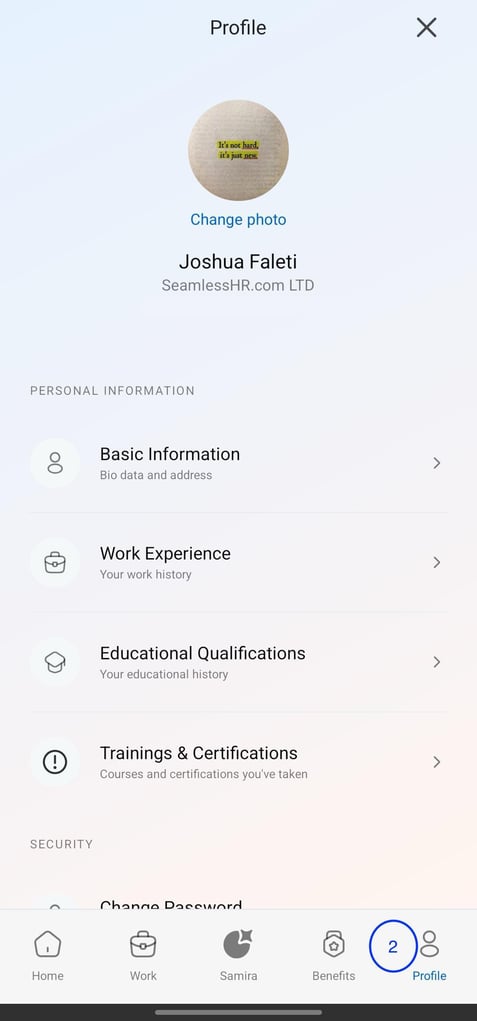
How to enable FaceID/Fingerprint to unlock breeze mobile app A guide on how to How to change password on the breeze mobile app Login to the breeze app Navigate to the Profile Tab on the far right Go to Security Section and Click on Biometric Unlock Register your Biometric information accordingly. The button should be active and should display as shown below.
.jpeg?width=483&height=1056&name=Media%20(3).jpeg)
.jpeg?width=474&height=1019&name=Media%20(4).jpeg)
![Logo-1.png]](https://support.seamlesshr.com/hs-fs/hubfs/Logo-1.png?height=25&name=Logo-1.png)