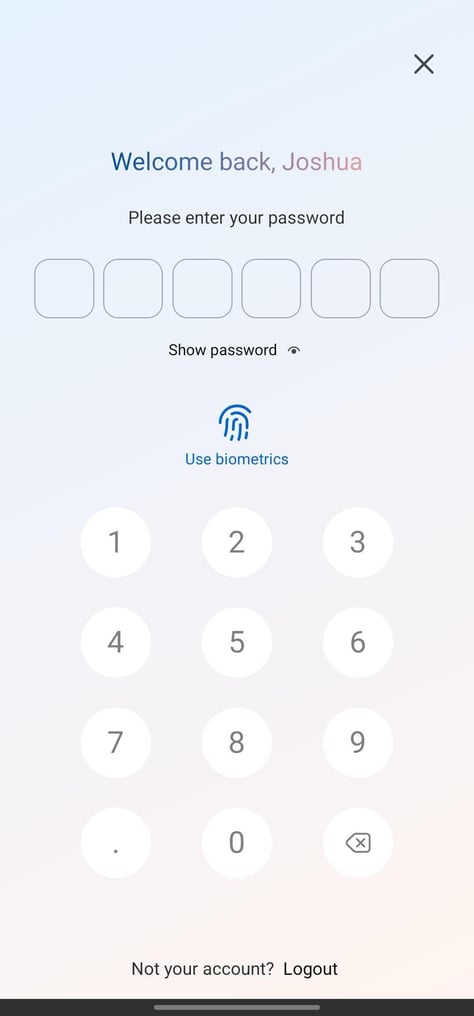
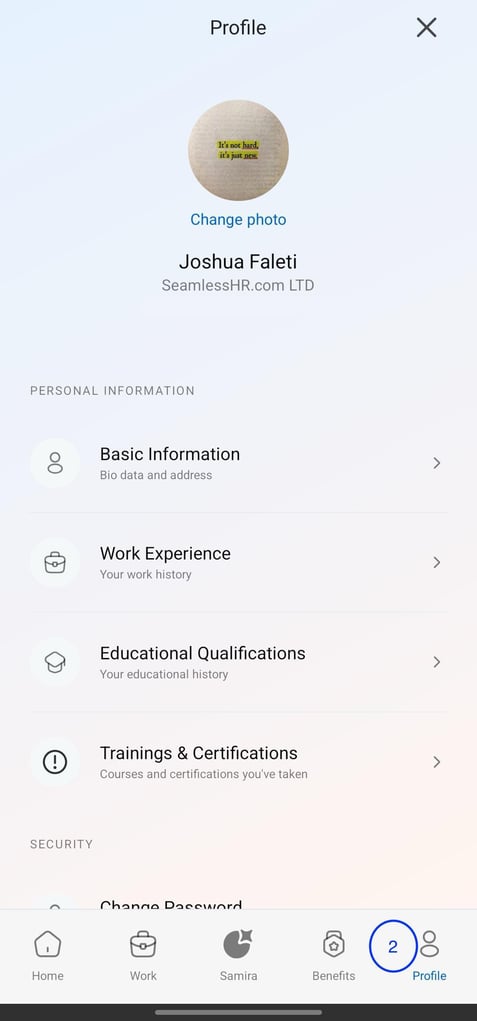
How to change password on the breeze app A guide on how to How to change password on the breeze app Login to the breeze app Navigate to the Profile Tab on the far right Go to Security Section and Click on Change Password Fill in the fields and click on Update Password
.jpeg?width=483&height=1038&name=Media%20(2).jpeg)
.jpeg?width=477&height=1060&name=Media%20(1).jpeg)
![Logo-1.png]](https://support.seamlesshr.com/hs-fs/hubfs/Logo-1.png?height=25&name=Logo-1.png)