![Logo-1.png]](https://support.seamlesshr.com/hs-fs/hubfs/Logo-1.png?height=25&name=Logo-1.png)
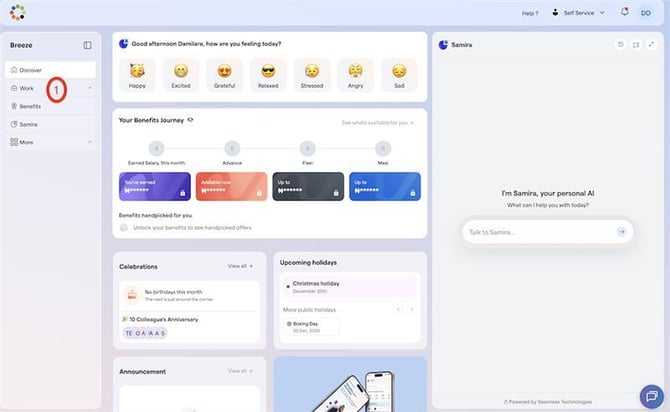
Step 1: On the Discover page, select Work.
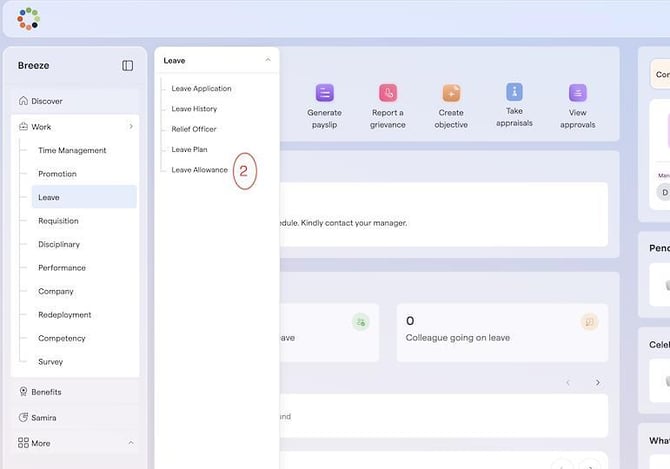
Step 2: On the Work page, click on the Work drop-down menu, hover over Leave, and then select Leave Allowance.
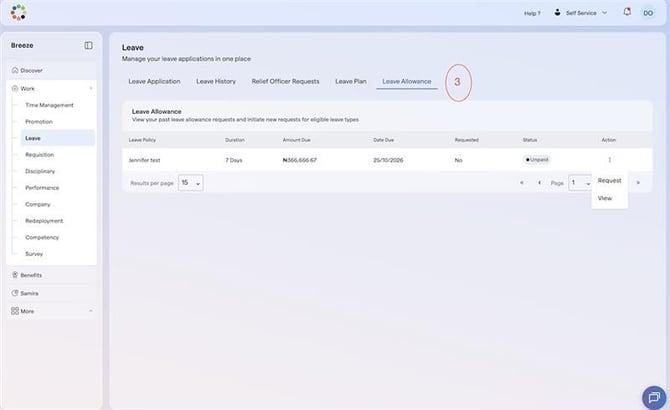
Step 3: On the Leave Allowance page, click the three dots under the Action field and select Request.
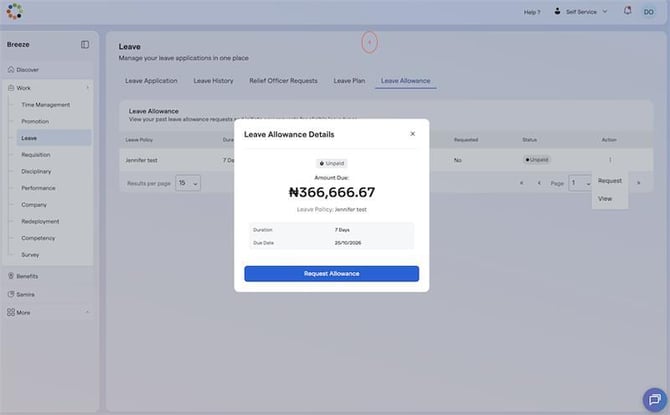
Step 4: Select Request Allowance to submit your request.
Note: Your leave must have reached the eligible threshold, and the leave request must be approved before you can request for a leave allowance