![Logo-1.png]](https://support.seamlesshr.com/hs-fs/hubfs/Logo-1.png?height=25&name=Logo-1.png)
1. Launch the Disciplinary module.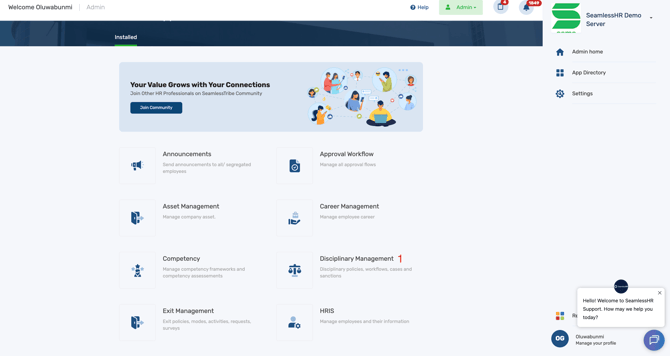
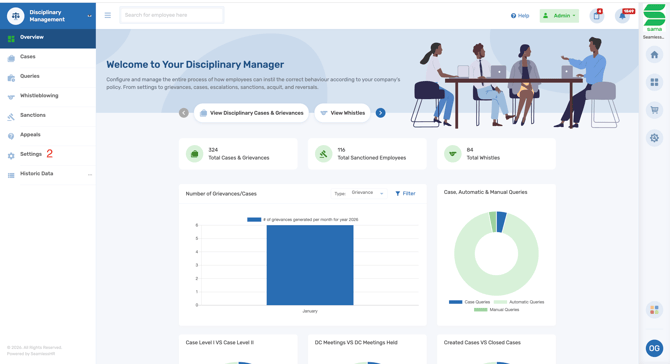
2. Select Settings.
3. Click on Policies.
4. Select Employee Disciplinary Appeal.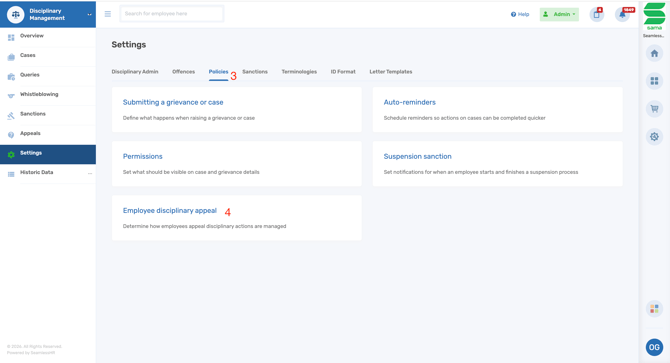
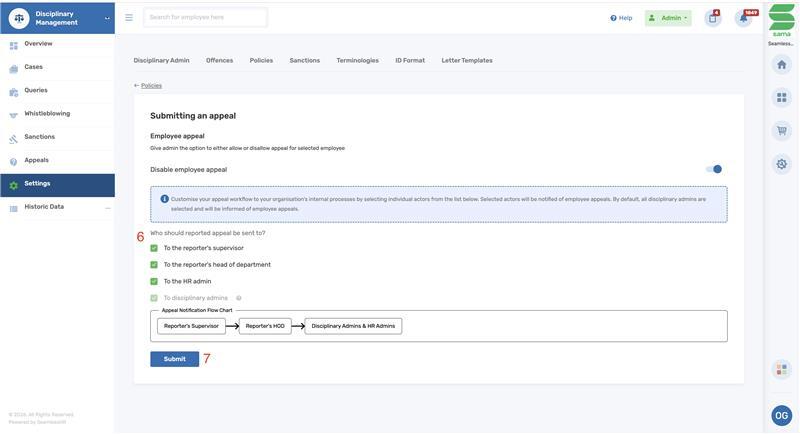
5. You can choose to enable or disable employee appeals.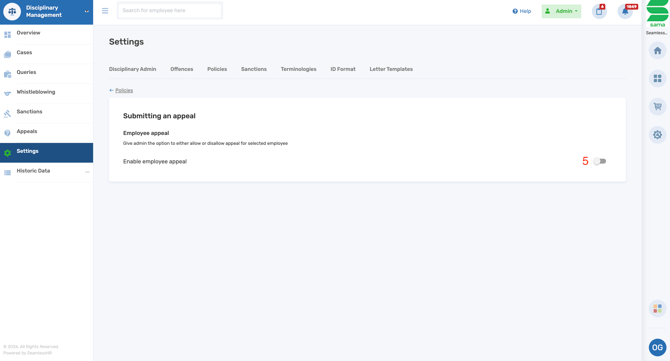
6. If employee disciplinary appeal is enabled, you will have the option to configure the appeal notification flowchart.
7. After setting up the workflow, click Submit to save your changes.
N.B All appeal hearings raised by employees are automatically sent to the disciplinary admins