![Logo-1.png]](https://support.seamlesshr.com/hs-fs/hubfs/Logo-1.png?height=25&name=Logo-1.png)
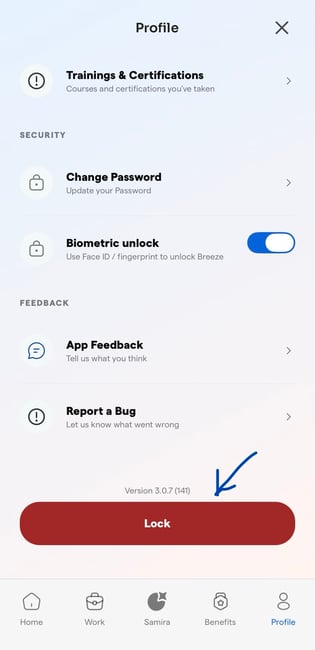
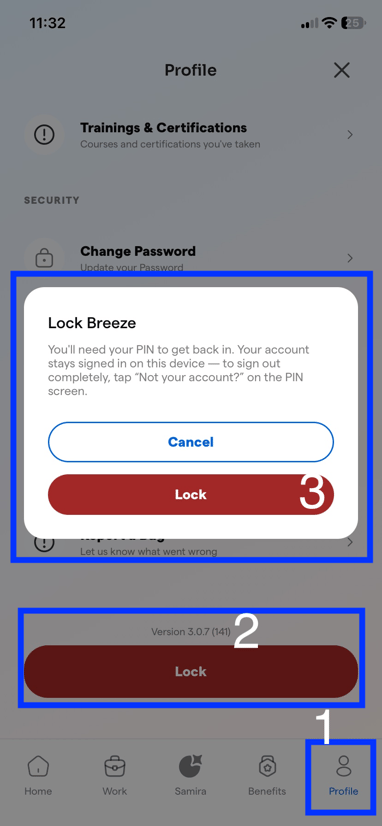
The Lock button allows you to secure your account by locking access to the app. To regain access, you must sign in using the PIN you created.
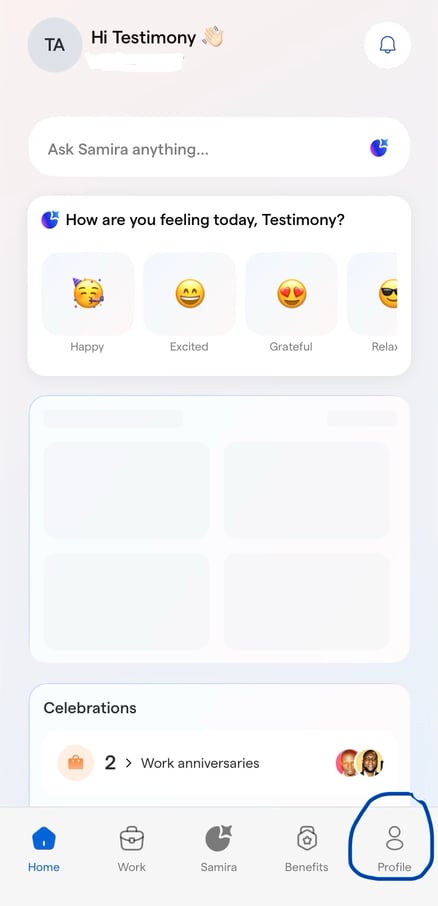
- Login into the Breeze app and click on your profile
2. Select the Lock button at the bottom of your profile to open a confirmation pop-up.