![Logo-1.png]](https://support.seamlesshr.com/hs-fs/hubfs/Logo-1.png?height=25&name=Logo-1.png)
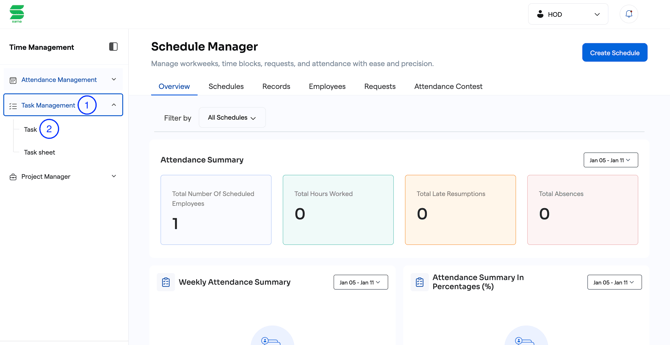
1. On the left pane, click on Task Management.
2. Select Task.
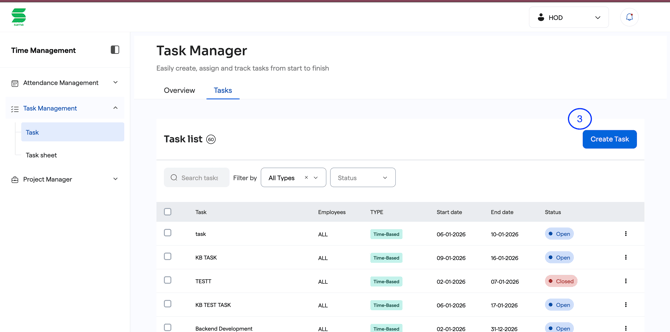
3. Click on create Task.
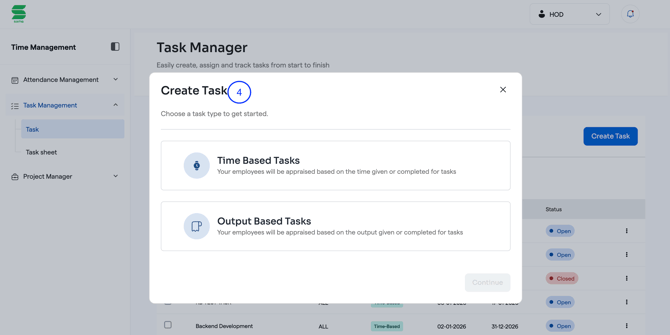
4. Choose the task type to get started either Time Based Tasks or Output Based Tasks.
5. Fill in the required details to create selected task. i.e Task name, description.
6. Select project type.
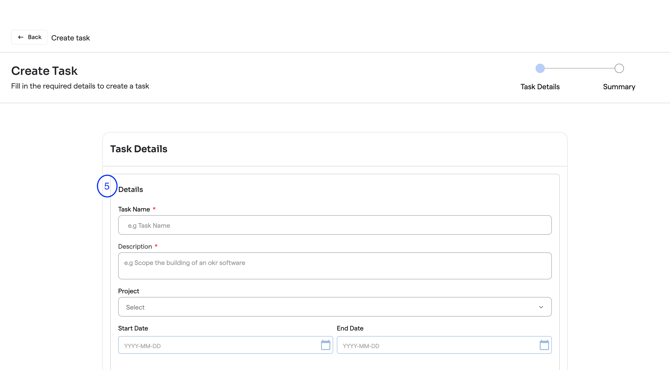
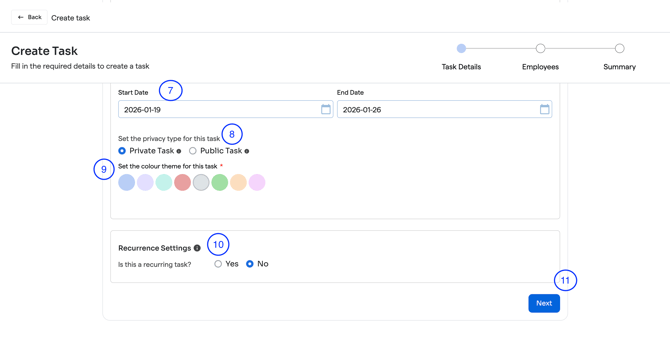
7. Select date.
8. Select the privacy type for the task.
9. Set the color theme for the task.
10. Set the recurrence settings, choose if it is a recurring task or not.
11. Click on Next.
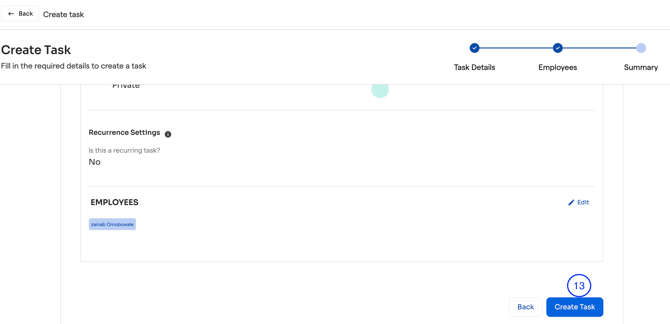
12. Preview summary and make edits where needed.
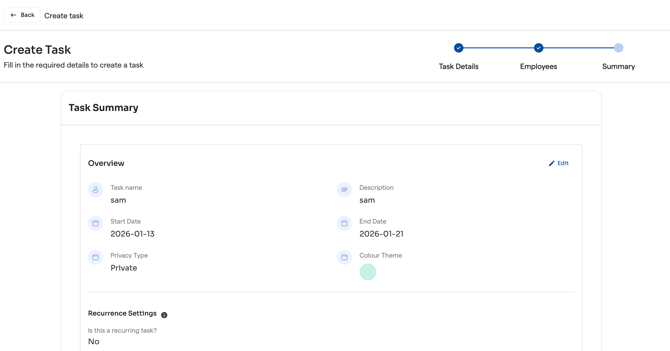
13. Click on Create task to save.