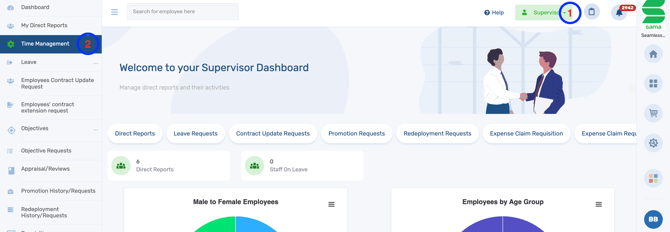
- Log in to the system and switch to the Supervisor Dashboard.
- Click on Time Management.
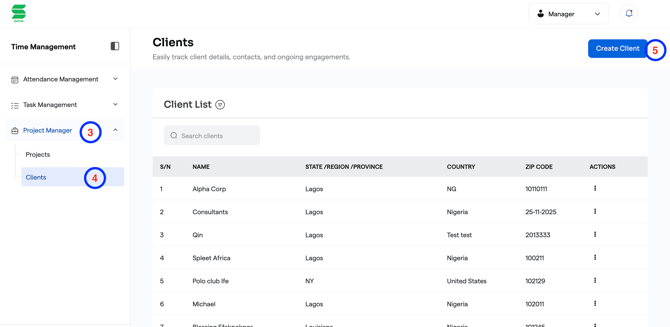
- Select Project Manager.
- Click on Clients.
- Click Create Client.
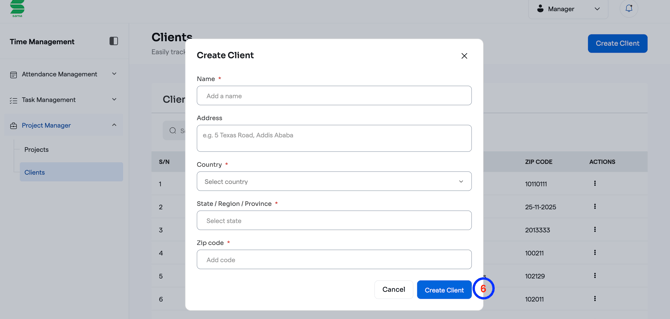
- Enter the required client details and click on Create Client to save the client.
English
![Logo-1.png]](https://support.seamlesshr.com/hs-fs/hubfs/Logo-1.png?height=25&name=Logo-1.png)