![Logo-1.png]](https://support.seamlesshr.com/hs-fs/hubfs/Logo-1.png?height=25&name=Logo-1.png)
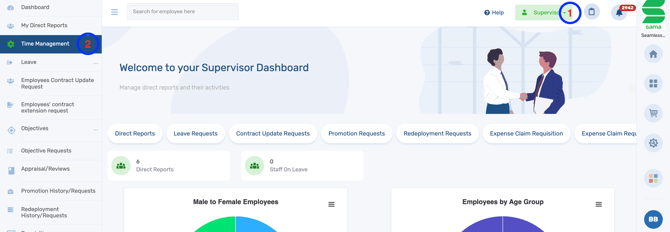
- Log in to the system and switch to the Supervisor Dashboard.
- Click on Time Management.
- From the schedule manager, navigate to requests and click it.
- Proceed to either approve or decline the request as required.
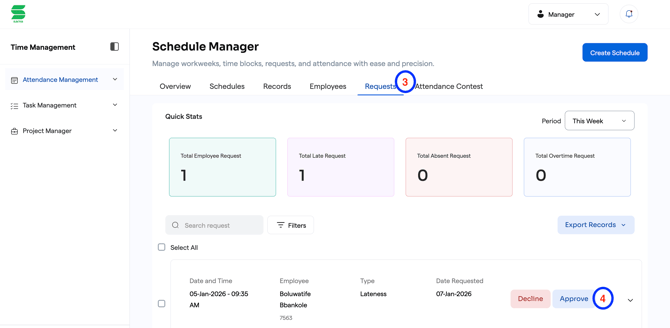
Note that approving the request means the employee would be exempted from the penalties associated to the lateness or absence at that time.