![Logo-1.png]](https://support.seamlesshr.com/hs-fs/hubfs/Logo-1.png?height=25&name=Logo-1.png)
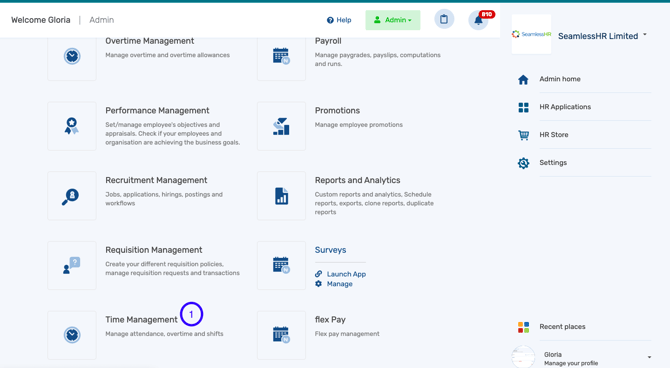
1. Launch the Time management module.
2. Click on Attendance Contest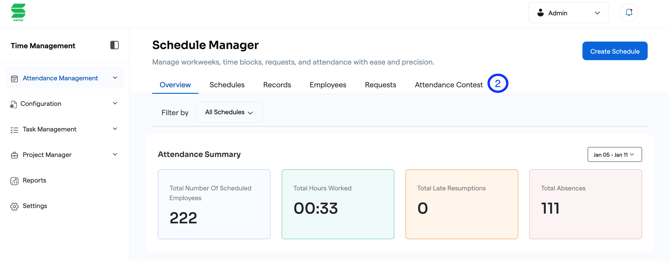
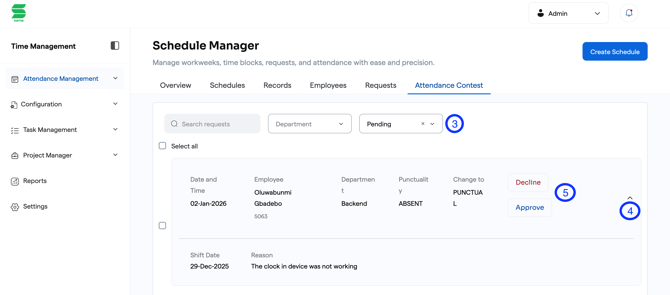
3. Filter by pending to see the pending Attendance Contest
4. Click on the dropdown button to view the reason stated by the employee.
5.Select either Approve or Decline to complete the process.