- Log in as an admin and open the Exit module.
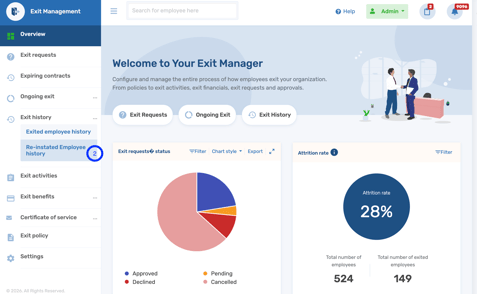
- Click on exit history and select Re-instated Employee History.
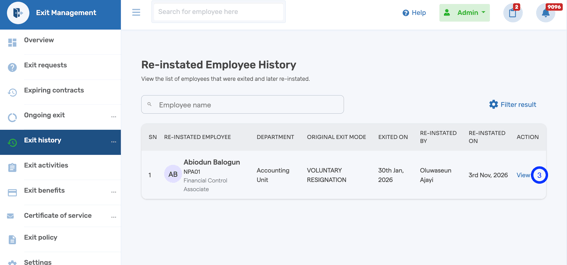
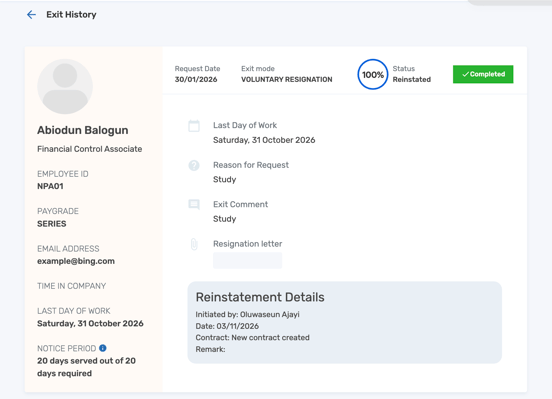
- You will see a list of employees that have been re-instated. Click on view to see more details on the re-instatement, like who initiated it, the date, E.T.C
If you need assistance at any point, feel free to contact the SeamlessTech Support team through any of the following channels: live chat, email at support@seamlesshr.com, WhatsApp on 0916 653 6169, or phone on 02013306080 -
English
![Logo-1.png]](https://support.seamlesshr.com/hs-fs/hubfs/Logo-1.png?height=25&name=Logo-1.png)